We think heat transfer vinyl and we immediately think shirts, lots and lots of shirts. Almost as if we’re robotic about it. Day in and day out…
- Plot your design.
- Send it to your cutter.
- Weed while the machine cuts the next design.
- Press.
- Repeat. Repeat. Repeat…
But what if we take a minute and think outside the box (or in this case the shirt)?
The possibilities extend beyond the normal wearable fabrics and into our home or office.
Surprising Home Surfaces for Heat Transfer Vinyl
Heat transfer vinyl (HTV) can be used on more than just the standard 100% cotton. Try HTV, such as our exclusive line of Xpress Cut Vinyl, on these surfaces:
- Wood. (Ensure the wood has a smooth surface. HTV can be used on raw, stained, or painted wood.)
- Burlap.
- Canvas.
- Cork.
- Fabric other than wearables. (Try HTV on dish towels, placemats, blankets, and more.)
- Sports Balls. (Yes, really. Customize footballs, basketballs, and more.)
- Glass.*
- Ceramics.*
- Metal. (Ensure your metal is clean and smooth.)*
Make sure to test your HTV on each surface before applying your entire design, and purchase extra vinyl and product blanks.
*Do not wash in the dishwasher.
SHOP HEAT TRANSFER VINYL NOW
A Little Inspiration to Get You Started
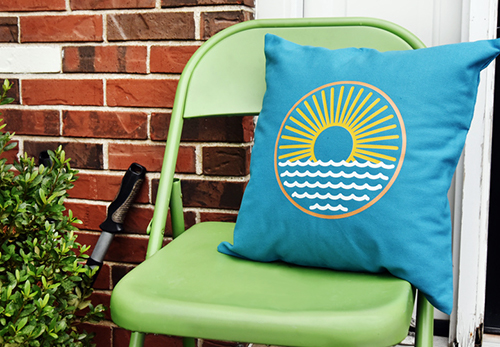
Enhance any room with throw pillows showing your favorite quote, monogram, or graphic.
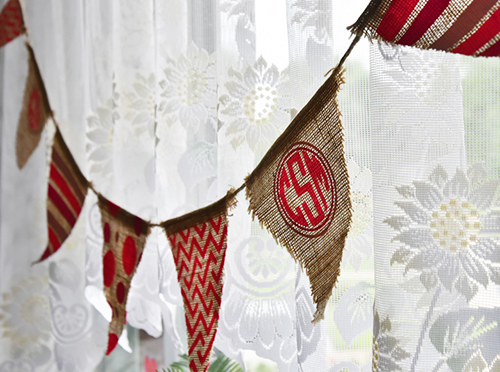
Decorate for birthday parties or dorm rooms with customized burlap banners.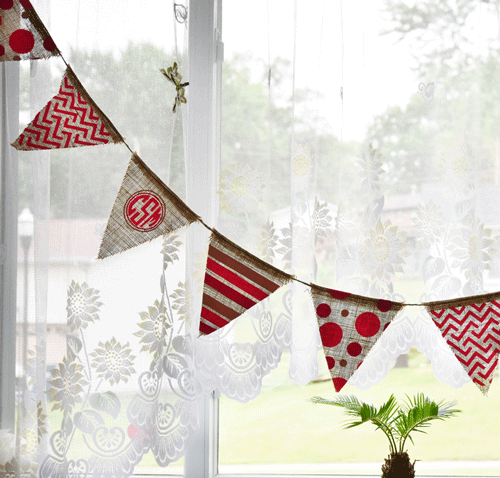
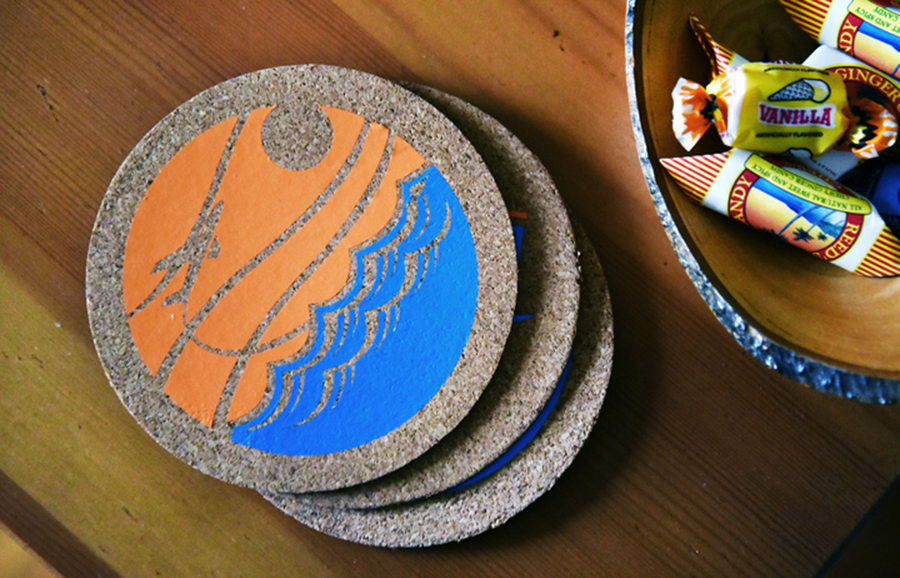
Create custom cork coasters to brighten up any conference room.
Even More Home Décor Possibilities with Sign Vinyl
We all love HTV because of its wide selection of colors, textures, and patterns, but let’s not forget about the endless possibilities with sign vinyl!
Get Inspired Now:
Create custom signs with affordable craft store finds!
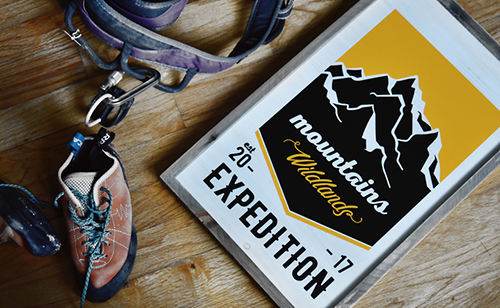
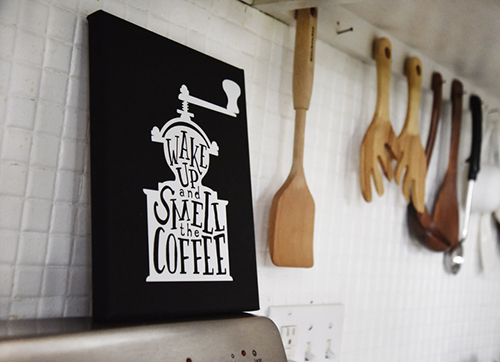
Display your favorite quotes in any room with removable wall vinyl.

SHOP HEAT TRANSFER VINYL NOW
Have more ideas? Show us your creations in the comments below and shop our wide selection of vinyl now!